How to Increase AC Cooling With Your Remote

Your AC remote is probably the most powerful, yet least understood, gadget in your home. We all know the on/off button and the temperature arrows, but what about everything else? Those other settings aren't just for show; they are designed to give you more control over your comfort and efficiency. Sticking to the basics means you're missing out on a cooler home and lower energy bills. If you've ever wondered how to increase cooling of ac by remote without just making the system run longer, this guide is for you. Let's demystify those buttons and turn you into a home-cooling expert.
Key Takeaways
- Master Key Modes for Better Cooling: Go beyond just temperature settings. Use 'Cool' mode to engage the compressor, 'Auto' fan for energy-efficient airflow, and 'Dry' mode to specifically target and remove that sticky Florida humidity.
- Direct Airflow for Whole-Room Comfort: Use the 'Swing' feature to circulate air evenly and prevent hot spots. Aiming the vents slightly upward helps the cool air push warmer air down, creating a more effective and consistent cooling cycle.
- Pair Smart Settings with Regular Maintenance: Your remote is only as powerful as the system it controls. A clean air filter and an annual professional tune-up are essential for ensuring your AC can actually deliver the efficient, powerful cooling you're asking for.
Your AC Remote, Demystified: The Essential Controls
That little remote is your command center for home comfort, but let's be honest—most of us only use a couple of buttons. Getting to know the essential controls can completely change how your home feels and how much you spend on your energy bill. Let's walk through the key features so you can feel confident you're getting the most out of your system during a hot Florida summer.
Temperature and Mode Settings
First things first: the up and down arrows (or plus/minus buttons) set your target temperature. For these to work, you need to be in the right mode. Press the "Mode" button until you see a snowflake icon for "Cool." This tells the compressor to start working. If you just want to circulate air, choose the "Fan" mode. If your AC isn't responding to these basic commands, it might be a sign that it needs a check-up from a professional air conditioning repair technician.
Fan Speed and Auto Mode
The fan speed setting determines how quickly your AC pushes cool air into the room. You’ll usually see options for Low, Medium, and High. A higher speed cools a room faster but uses more energy. This is where the "Auto" setting becomes your best friend. In Auto, your AC adjusts the fan speed to reach and maintain your temperature efficiently. It runs higher when needed, then slows down. This provides consistent comfort and is a key part of good air conditioning maintenance because it reduces wear and tear.
Using the Timer and Schedule
The timer is one of the most underused—and useful—features on an AC remote. It lets you schedule when your unit turns on or off. Why run your AC all day when no one is home? You can set it to turn on 30 minutes before you arrive, so you walk into a cool house. Using the timer is a simple way to save energy and lower your bills. Many modern systems offer advanced scheduling as part of a new air conditioning installation.
Directing Airflow with the Swing Feature
Ever feel like one part of the room is an icebox while another is still warm? The swing feature solves that. This function controls the louvers (the horizontal slats) that direct airflow. Activating the swing feature makes the louvers move up and down, distributing cool air more evenly. This prevents cold spots and ensures the entire room feels comfortable. Proper air circulation is a big component of your home's overall indoor air quality, and using the swing feature is an easy way to improve it.
How to Set Your AC for Maximum Cooling
Getting the most out of your air conditioner isn't just about setting the temperature to the lowest number and hoping for the best. To achieve that perfect, crisp coolness without a shocking energy bill, you need to use your remote's settings strategically. A few simple adjustments can make a world of difference in how comfortable your home feels, especially during a hot Florida summer. Let’s walk through the best way to set your AC for powerful, efficient cooling.
Choose the Right Cooling Mode
First things first, make sure your AC is actually set to cool the air. This might sound basic, but it's a common mistake to have it on the wrong setting. Grab your remote and press the 'Mode' button until you see the snowflake icon or the word 'Cool' on the display. This activates the compressor, which is the part of your AC that removes heat and humidity from your home. If it's on 'Fan' mode, it will only circulate room-temperature air, which won't do much to beat the heat. Making sure you're in 'Cool' mode is the essential first step to getting relief.
Find the Best Temperature for Comfort and Savings
Once you're in cooling mode, the next step is to find your ideal temperature. While it’s tempting to crank it down to 68°F on a sweltering day, the sweet spot for both comfort and energy efficiency is actually between 75°F and 79°F. Setting your thermostat within this range keeps your home comfortable without forcing your AC system to work overtime. Every degree you lower the temperature can significantly increase your energy consumption. By finding a moderate, comfortable temperature, you’ll save money on your utility bills and reduce unnecessary strain on your unit, helping it last longer.
Adjust for Room Size and Humidity
Florida's humidity can make even moderate temperatures feel sticky and uncomfortable. If you find yourself constantly lowering the thermostat but still not feeling cool, your AC might be struggling to remove moisture from the air. This can be a sign of a bigger issue. An undersized unit in a large room will run constantly without ever reaching the set temperature. More often, however, an AC that can't keep up is struggling with clogged filters, dirty coils, or low refrigerant. If your system isn't performing well, it might be time for an air conditioning repair. Properly managing moisture is also key to comfort, so exploring indoor air quality solutions can make a huge difference.
What's the Best Fan Speed for Cooling?
Think of your AC's fan speed as the accelerator for your cooling. Choosing the right speed affects how fast your room cools down, your energy bill, and your overall comfort. While it’s tempting to crank it to high and leave it there, a little strategy goes a long way. Understanding when to use each setting helps you get the most out of your air conditioner without wasting electricity.
When to Use Low, Medium, and High Fan Speeds
Each fan speed has a specific job. A high fan speed is your go-to for quick relief, spreading cool air rapidly throughout a room. It’s perfect for when you’ve just come in from the Florida heat and need to drop the temperature fast. A low speed is better for maintaining a steady, comfortable temperature once you’ve reached it. It’s also much quieter, making it ideal for bedrooms overnight. Medium is the happy-in-between for everyday use. If you notice your fan isn't switching speeds properly, it might be a sign that your system needs an air conditioning repair.
Why You Should Use Auto Fan Mode
The "Auto" setting is one of the most useful buttons on your remote. When you select Auto, you’re letting your AC unit think for itself. The system uses its internal thermostat to measure the room's temperature and automatically adjusts the fan speed to reach and maintain your desired setting efficiently. It might start on high to cool the room down, then shift to low to keep it there. This smart adjustment saves energy and reduces wear and tear. It also does a better job of managing humidity, a constant battle in our climate.
Balance Quick Cooling with Energy Use
While a high fan speed or a "Turbo" mode provides an instant blast of cold air, it also uses a lot of power. Running your AC on its highest setting all the time will show up on your energy bill. The key is to find a balance between immediate comfort and long-term efficiency. A great strategy is to use the high setting for the first 15-20 minutes to quickly cool down the space. Once the room feels comfortable, switch over to Auto or a low setting. This approach gives you the quick cooldown you want without the sustained energy drain. An efficient, modern unit makes this even easier, so if your system struggles, it might be time to consider a new air conditioning installation.
Advanced Remote Features That Actually Make a Difference
Your AC remote is more powerful than you might think. Beyond the basic temperature and fan speed controls, many modern units come with special modes designed to fine-tune your comfort and improve efficiency. Getting to know these advanced features can make a huge difference, especially when dealing with the Florida heat and humidity. Think of them as your secret weapons for creating the perfect indoor environment. Let’s look at four of the most useful modes you might find on your remote and how to use them effectively.
Turbo Mode for a Quick Cooldown
Ever walk into your home after a long day out and feel like you’ve stepped into an oven? That’s the perfect time for Turbo Mode. This setting, sometimes called "Jet Cool," puts your air conditioner into overdrive, running the fan and compressor at maximum power to cool the room as quickly as possible. It’s a lifesaver when you need immediate relief from the heat. However, all that power comes at a cost—Turbo Mode uses a significant amount of energy. It’s best to use it for short periods, maybe 15-30 minutes, just to bring the temperature down to a comfortable level. Once you feel the relief, switch back to a more standard setting to avoid straining your system and your wallet.
Sleep Mode for Comfortable, Efficient Nights
A good night's sleep can be tough when your bedroom is too hot or too cold. That’s where Sleep Mode comes in. When you activate this feature, your AC will slowly adjust the temperature throughout the night, often raising it by a degree or two over several hours. It also lowers the fan speed to a whisper-quiet level. This gentle adjustment matches your body's natural temperature changes during sleep, preventing you from waking up shivering at 3 a.m. The result is uninterrupted rest and lower energy bills, since the unit isn't working as hard all night. For this feature to work its best, regular air conditioning maintenance is key to ensuring your system runs smoothly and quietly.
Eco Mode to Maximize Energy Savings
If you want to keep your home comfortable without worrying about a high electricity bill, Eco Mode is your best friend. This setting prioritizes energy efficiency by running your AC in a way that uses less power. It typically cycles the compressor off once your set temperature is reached, using the fan to circulate the already cool air. This reduces overall energy consumption while still maintaining a pleasant environment. An interesting side benefit is that the gentler airflow can help dust settle, which can contribute to better indoor air quality. Make Eco Mode your default setting for everyday cooling to enjoy consistent comfort and savings.
Dry Mode to Combat Florida Humidity
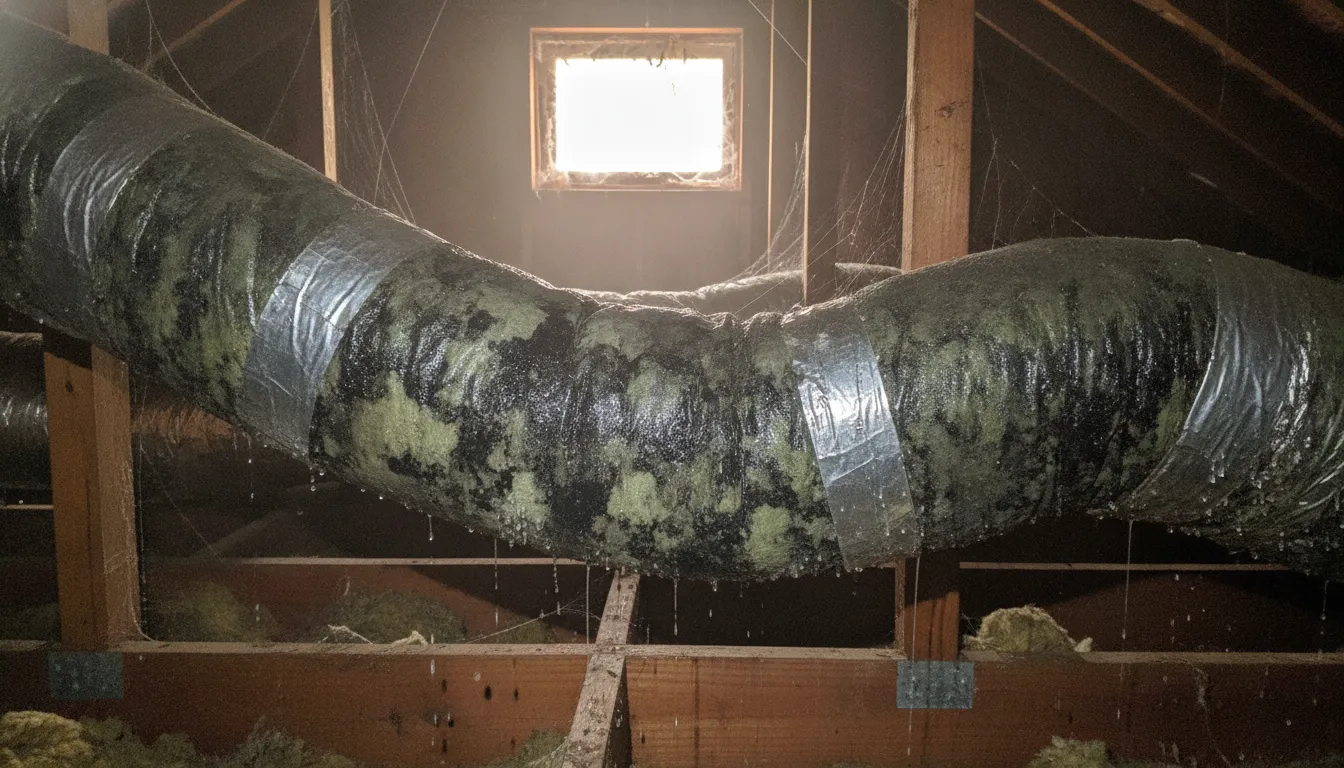
Here in Florida, we know that humidity can be just as uncomfortable as the heat. Dry Mode is specifically designed to tackle that sticky, muggy feeling. This setting focuses on removing excess moisture from the air rather than drastically lowering the temperature. The fan runs at a low speed, allowing moisture to condense on the unit's internal coils and drain away. It’s the perfect choice for rainy days or any time the air feels heavy and damp. By reducing indoor humidity, you not only feel more comfortable but also help prevent the growth of mold and mildew. This is especially important for keeping your ductwork clean and your air healthy.
Common Remote Control Mistakes That Weaken Your AC's Cooling
Your AC remote is a powerful tool, but a few common slip-ups can keep your system from cooling your home effectively. Often, the difference between a comfortable room and a stuffy one comes down to a few simple button presses. Let’s walk through the most frequent mistakes we see and how you can correct them to get the most out of your air conditioner.
Setting the Temperature Too Low
We’ve all been there—walking into a sweltering house and immediately dropping the thermostat to 65 degrees, hoping for instant relief. But here’s the thing: setting the temperature extra low doesn’t make your AC cool the room any faster. Your air conditioner works at a consistent pace to remove heat. Cranking the temperature way down only forces the system to run much longer to reach that frigid target, which drives up your energy bill and puts unnecessary strain on the components. This extra wear and tear can lead to breakdowns, meaning you might need an AC repair sooner than you think. Instead, set your desired temperature and let the system do its job efficiently.
Forgetting to Use the Swing Control
Do you ever notice that one part of the room feels like an icebox while another is still uncomfortably warm? That’s often because the cool air isn’t being distributed properly. Many people forget about the "Swing" or "Louver" button on their remote, but it’s a key feature for even cooling. This function controls the small fins that direct airflow, moving them up and down or side to side. Think of it like an oscillating fan—it spreads the comfort around the entire space. Using the swing feature helps eliminate hot spots and creates a more consistent temperature throughout the room, so you feel cooler without having to drop the thermostat another degree.
Using the Timer Incorrectly
The timer is one of the most useful yet misunderstood features on an AC remote. When used correctly, it’s a fantastic tool for saving energy. You can schedule your AC to turn on 30 minutes before you get home from work, ensuring you walk into a cool house without running the system all day. However, setting it incorrectly can lead to discomfort and waste. For example, if you set the "off" timer for too early in the night, you might wake up sweating. Or, if you forget to adjust the schedule for a day you’re home, you could be left in the heat. Getting familiar with your timer settings helps you match your cooling needs to your daily routine.
Aiming the Airflow the Wrong Way
It’s tempting to point the AC vents directly at yourself for a quick blast of cold air, but it’s not the most effective way to cool a room. Here’s a little science lesson: cool air is denser than warm air, so it naturally sinks. By aiming your AC’s vents slightly upward, you allow the cold air to circulate more naturally. It will push the warm air near the ceiling downwards, where it can be pulled into the AC unit to be cooled. This creates a continuous, gentle cooling cycle that lowers the overall temperature of the room more effectively than just blasting one spot. It’s a small adjustment that makes a big difference in your overall comfort.
Why Regular Maintenance is Key to Powerful Cooling
You can master every setting on your remote, but if your air conditioner isn’t in good shape, you’ll still be fighting for cool air. Think of your AC system like a car—it needs regular tune-ups to perform its best, especially when it’s working overtime in the Florida heat. Consistent maintenance is about more than just preventing a total breakdown; it’s about ensuring your system runs efficiently, delivers powerful cooling, and keeps your energy bills from creeping up.
A well-maintained unit doesn't have to work as hard to cool your home. When all the components are clean and functioning correctly, the system uses less energy to do its job. This not only saves you money but also extends the lifespan of your equipment. Taking a little time for upkeep throughout the year ensures that when you press that button on your remote, your AC can deliver the powerful, refreshing cold you expect. It’s the foundation that makes all those clever remote settings truly effective.
Clean or Replace Your Filters on a Schedule
A dirty air filter is one of the most common culprits behind a struggling AC. When the filter gets clogged with dust, pet dander, and other particles, it chokes the airflow. This forces your system to work much harder to pull in air, which reduces its cooling power and drives up your energy bill. A clean filter, on the other hand, allows air to move freely, helping your AC operate efficiently.
Replacing your filter is a simple task that has a huge impact on your system’s performance and your home’s indoor air quality. Make it a habit to check your filter once a month. Depending on your system and whether you have pets or allergies, you’ll likely need to replace it every 30 to 90 days.
Keep Your Outdoor Unit and Vents Unobstructed
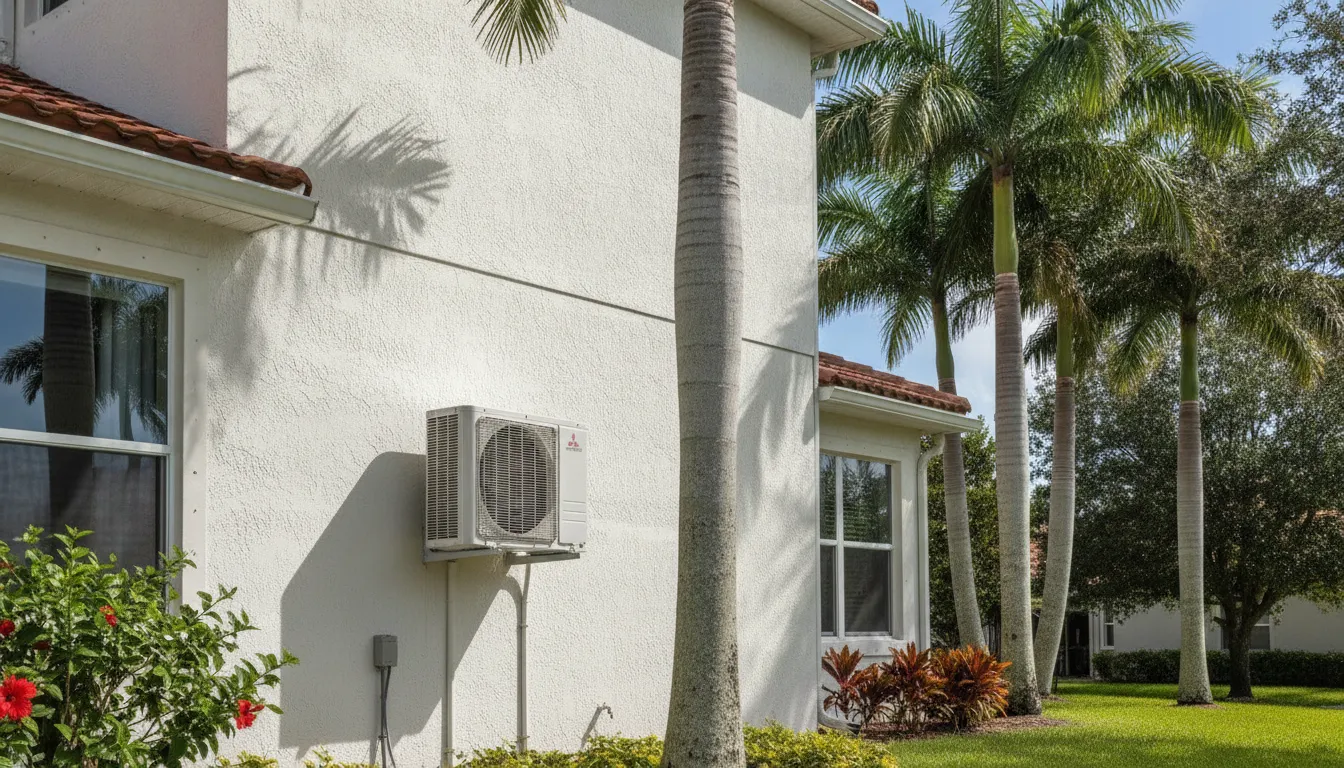
Your air conditioning system has an important job to do outside: releasing the heat it has removed from your home. The outdoor unit, or condenser, needs plenty of space to do this effectively. If it’s crowded by bushes, tall grass, or yard debris, the airflow is blocked. This traps heat around the unit, forcing it to run longer and harder to cool your home.
Take a few minutes to walk around your outdoor unit. Trim back any plants or weeds to create at least two feet of clear space on all sides. While you’re at it, check your indoor vents to make sure they aren’t blocked by furniture, rugs, or curtains. Clear pathways for air—both inside and out—are essential for maximum cooling.
Schedule Professional Maintenance for Best Results
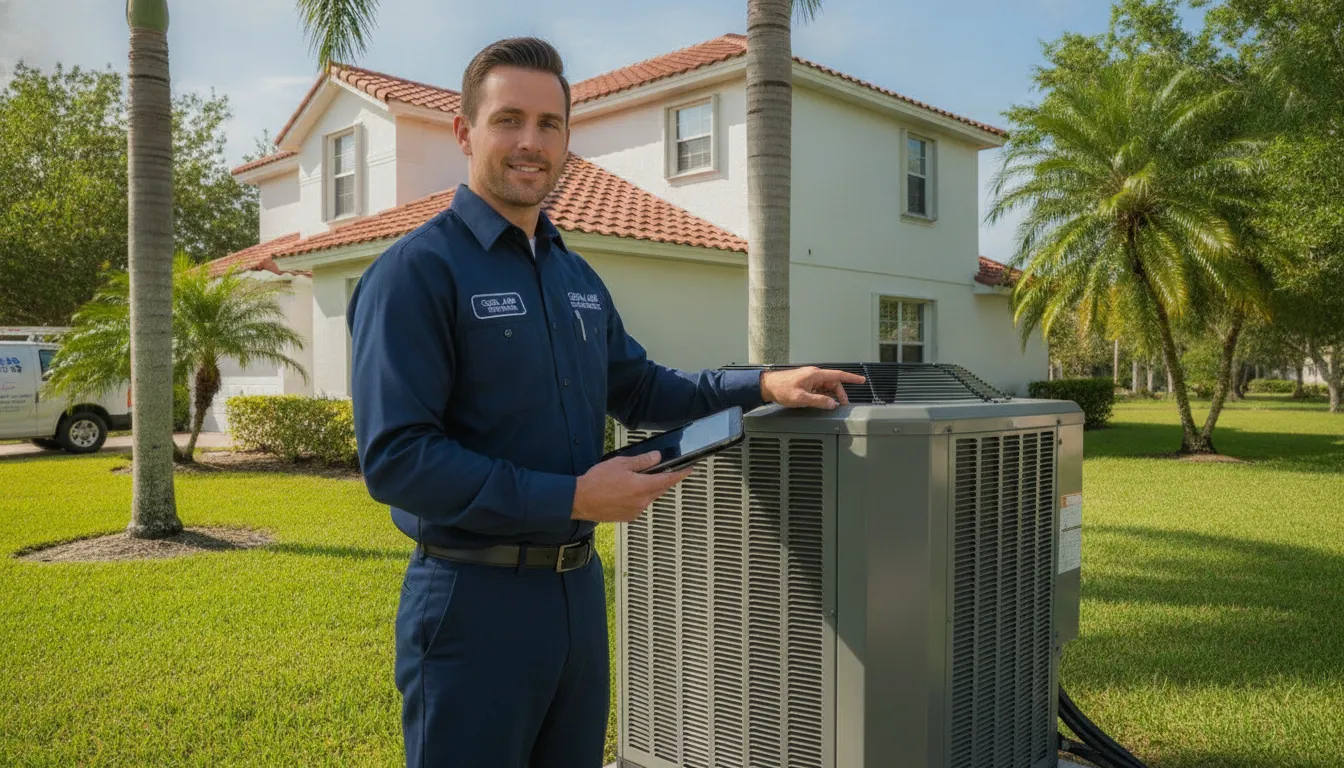
While changing filters and clearing debris are great DIY habits, they can’t replace a professional tune-up. An experienced technician can spot and fix issues you can’t see, like checking refrigerant levels, cleaning condenser coils, tightening electrical connections, and lubricating moving parts. These are the critical checks that keep your system running safely and at peak efficiency.
Scheduling routine air conditioning maintenance is the single best thing you can do to ensure powerful, reliable cooling year after year. A professional inspection gives you peace of mind that your system is ready to handle the long, hot Florida cooling season without unexpected—and expensive—surprises. It’s a small investment that protects your much larger one.
Frequently Asked Questions
Why isn't my AC remote working? Before you worry, start with the simplest fix: the batteries. This is the most common reason a remote stops responding. If fresh batteries don't solve the problem, check to see if anything is blocking the direct line of sight between your remote and the indoor AC unit. If it still isn't working, the issue might be with the unit's sensor, which is a good time to call a professional for a quick diagnosis.
Is it better to leave my AC on all day or turn it off when I leave? It's almost always more efficient to set your thermostat a few degrees higher (say, 80-82°F) when you leave rather than turning the system off completely. Shutting it down allows your home to absorb a lot of heat and humidity. This forces the AC to run for a long, continuous cycle to cool everything down again later, which uses a lot of energy. A higher setting maintains a baseline temperature without the intense effort of a full cooldown.
What's the real difference between "Dry" mode and "Cool" mode? Think of "Cool" mode as your primary tool for lowering the temperature in a room. "Dry" mode, on the other hand, is your specialist for fighting humidity. It focuses on removing moisture from the air, which can make a room feel much more comfortable even if the temperature doesn't drop dramatically. It's the perfect setting for those sticky, rainy Florida days when the air feels heavy.
My AC runs constantly but the house isn't getting cold. What should I check first? If you've confirmed your remote settings are correct, the first thing to check is your air filter. A filter clogged with dust and debris can choke your system's airflow and severely reduce its cooling power. Next, take a quick look at your outdoor unit to make sure it isn't blocked by overgrown plants or yard debris. If both of those look clear, the problem is likely internal, such as low refrigerant, and it's time to have a technician take a look.
Does using "Auto" mode actually save energy compared to setting the fan speed myself? Yes, it absolutely does. When you manually set the fan to high, it runs at full power all the time. In "Auto" mode, your AC is much smarter. It adjusts the fan speed automatically, running it higher when needed to reach your desired temperature and then slowing it down to simply maintain it. This prevents the system from constantly overworking, which saves energy and reduces wear on the components.